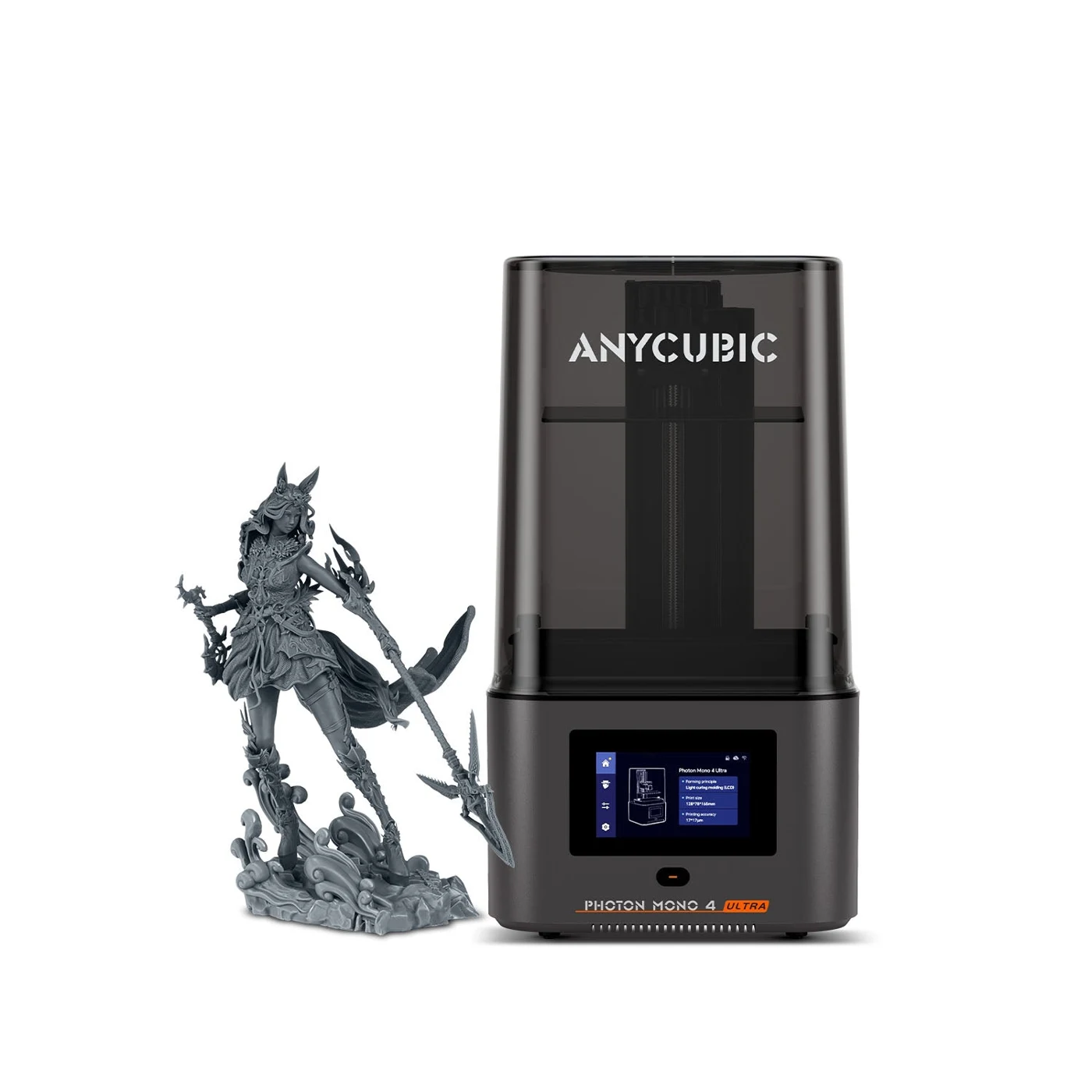
Anycubic Photon Mono 4 Ultra
Buy for small resin parts if USB printing suits you and you can provide a ventilated work area and regular vat care. If App-only operation is essential, resolve the official documentation conflict below before buying. Official setup guide; product specifications.
Official base price: $299, with no additional item or resin selected. Oct 6, 2026 U.S. snapshot. Official product page.
Offer scope: the listing advertises sign-in Prime pricing without a public amount; no member saving or code is included in our $299 figure. Shipping snapshot: it says ships in 24 hours, not delivery in 24 hours. Official listing; shipping policy - checked Oct 6, 2026.
The work area matters more than the screen-resolution label
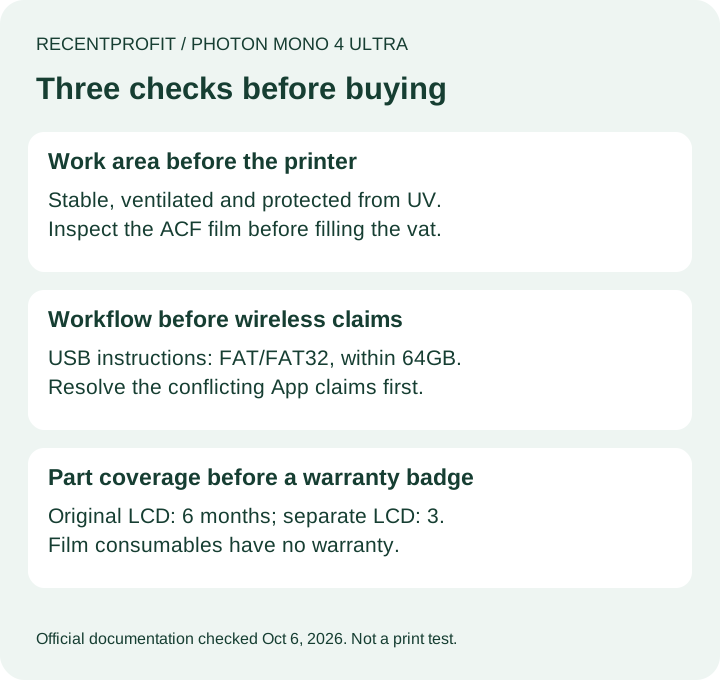
The setup guide calls for a stable bench, ventilation, protection from UV light, gloves and a mask. Before filling the vat, inspect its ACF film for damage or leakage. Do not exceed the marked fill line. If you cannot make that work area available, postpone the purchase; a smaller printer still needs a resin-handling workflow. Official Quick Start Guide - checked Oct 6, 2026.
Speed figures have resin and layer-height conditions
The advertised 120mm/h uses High Speed Resin 2.0 at 0.1mm layers; standard resin is listed at up to 80mm/h. These are manufacturer limits, not our measured throughput. Neither predicts your full job, including preparation and post-processing. Official speed conditions - checked Oct 6, 2026.
Choose a file-transfer workflow you can actually use
For USB printing, the guide says to put the sliced file in the drive root and use the supplied drive, or a drive within 64GB formatted FAT/FAT32. Network printing is a separate dependency; a supported slicer alone does not establish a working wireless transfer route. Exact-model USB instructions - checked Oct 6, 2026.
The official pages disagree about App support. The U.S. specification table says it is not supported; the model-specific Quick Start Guide describes App binding and printing. Do not pay extra on the assumption that your current phone, firmware and software combination will work. Ask Anycubic to confirm that combination in writing if it decides the purchase. Product table; Quick Start Guide - checked Oct 6, 2026.
The network troubleshooting guide requires 2.4GHz Wi-Fi. During setup, the printer hotspot can report no Internet; that stage is not the home-network connection. It also says a completed remote job must be acknowledged on the printer screen before the App returns to Available. This is a documented operating constraint, not proof that your unit will complete App setup. Official network troubleshooting - checked Oct 6, 2026.
Maintenance does not follow one universal replacement calendar
Scroll horizontally to compare all columns →
| Trigger | Official maintenance action |
|---|---|
| No printing planned within 48 hours | Filter resin back into its bottle; protect the vat from light and contamination. |
| After a failed print | Use the residue-cleaning process before another job; do not scrape the release film with a sharp object. |
| Film wear or leakage risk | Inspect the film and usage reminder; replace according to condition, not a claimed guaranteed lifetime. |
| Z-axis care | The series guide suggests roughly three-month maintenance, earlier for abnormal noise; it specifies grease and warns against flowing lubricating oil. |
Source: Photon Mono 4 Series Maintenance Suggestions, linked from the Ultra's official support directory; checked Oct 6, 2026. These are manufacturer recommendations, not measured service intervals. Follow the exact component procedure before performing maintenance.
The LCD and a separately bought replacement have different coverage
The U.S. warranty table gives the original Mono 4 Ultra LCD six months and other main components 12 months, with exclusions. Separately purchased LCDs have three months; release-film consumables have no warranty. A replacement part does not automatically inherit a new whole-machine year. Coverage starts on delivery, and a warranty replacement generally retains the original remaining period. Official component warranty table - checked Oct 6, 2026.
A return policy is not a free resin-printing trial
Personal-reason returns must be returned within 14 days of receipt, in resaleable condition with accessories, packaging and gifts; the buyer pays return costs. Confirmed non-user-caused quality problems have a separate 30-day route. Obtain approval first. Missing items, damage or use can reduce a refund; the policy does not promise a free trial for a resin-filled machine. Official return conditions - checked Oct 6, 2026.
Mainland U.S. shipping is listed as free, with one business day processing plus 3-8 business days transit. Remote destinations require address-based rates; P.O. boxes and military addresses are excluded. Some accessories ship separately from China with a 5-15-business-day estimate. Match the whole order to your deadline rather than using the printer's dispatch badge as an arrival promise. Official U.S. shipping policy - checked Oct 6, 2026.
Mono 4 Ultra or M7 Pro: which difference changes the decision?
The M7 Pro's official page lists a larger 223 x 126 x 230mm build space and support for resin auto-fill and a temperature-controlled vat. Choose that direction if your parts require its size or those material-handling features. The Mono 4 Ultra is the smaller 153.4 x 87 x 165mm option without those systems. Check your oriented and supported model in the slicer before paying for either. M7 Pro specifications; Mono 4 Ultra specifications - checked Oct 6, 2026.
Use the Anycubic model directory for other models and the current purchase destinations. This section is a buying signpost, not a separate comparison review. Direct-store prices and terms do not automatically apply to marketplace sellers. We have not tested either printer or performed checkout.
FAQ
Does the Photon Mono 4 Ultra need a USB drive or can I use the App?
The official setup guide documents USB printing. Its App instructions conflict with the current U.S. product table, so confirm your exact firmware and workflow before buying for App-only use. Setup guide; product page.
Why does the printer stay Busy after a remote print finishes?
The troubleshooting guide says to acknowledge completion on the printer screen before another App job can start. This condition does not guarantee App compatibility for your configuration. Official network guide.
Is the Photon Mono 4 Ultra LCD covered for a full year?
The linked U.S. table lists six months for the original LCD and three months for an LCD purchased separately. Those periods differ from other main components. Official warranty table.
Can I leave resin in the vat between occasional prints?
The linked series maintenance guidance recommends filtering it back into a bottle if the printer will not be used within 48 hours, with protection against contamination and light. Official maintenance guidance.
Does ships in 24 hours mean it arrives tomorrow?
No. Dispatch and transit are separate. The U.S. shipping policy supplies destination-specific timing and exceptions; some accessories ship separately. Official shipping policy.